When you start DeMaSy click on Cancel

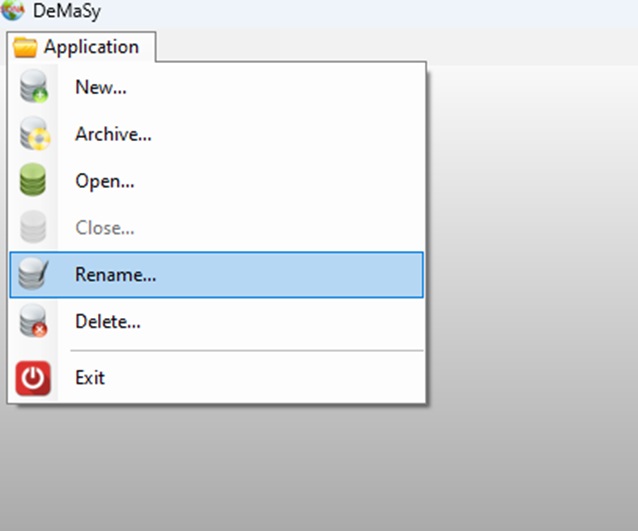
Go on Application and Rename.
Enter your login / password and click OK.
Select the database you want to rename and change the logical name and then click OK.

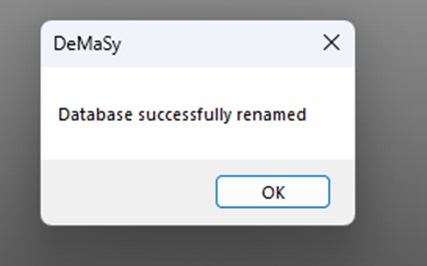
Wait for this message to appear.

When you start DeMaSy click on Cancel
Go on Application and Rename.
Enter your login / password and click OK.
Select the database you want to rename and change the logical name and then click OK.
Wait for this message to appear.