
In DeMaSy you have 3 states for the accounting periods
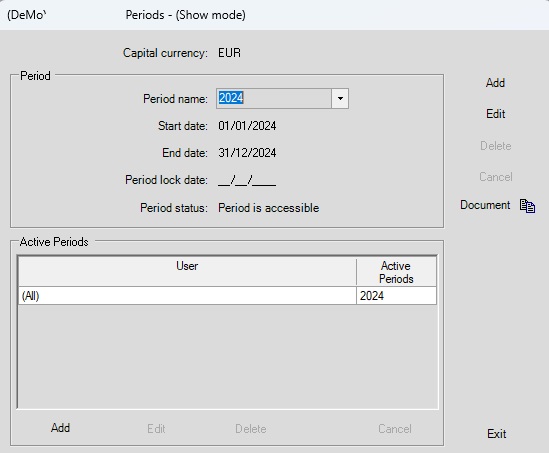
- Accessible :
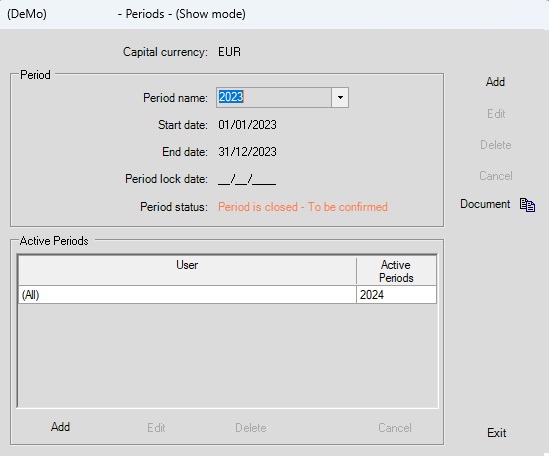
- Closed – To be confirmed
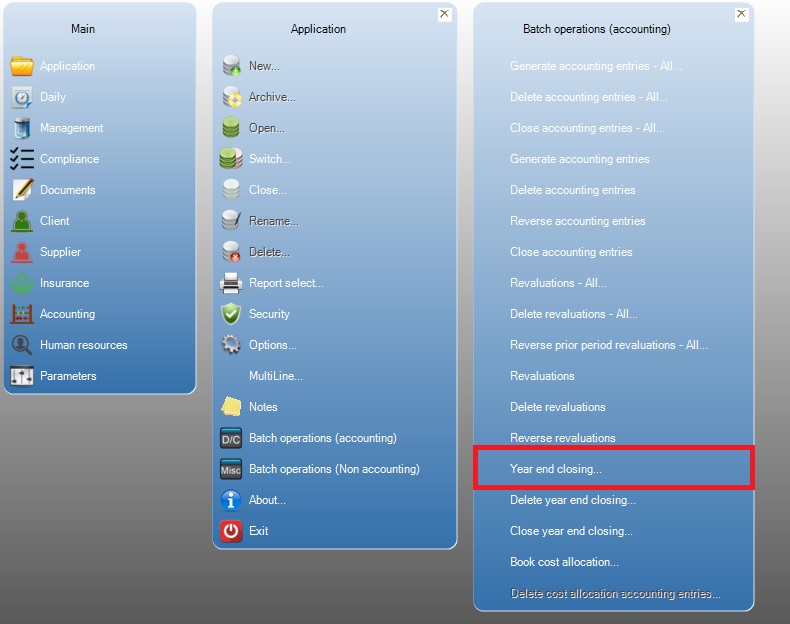
To get this state you have to go on the menu Application / Batch operations (accounting) / Year end closing
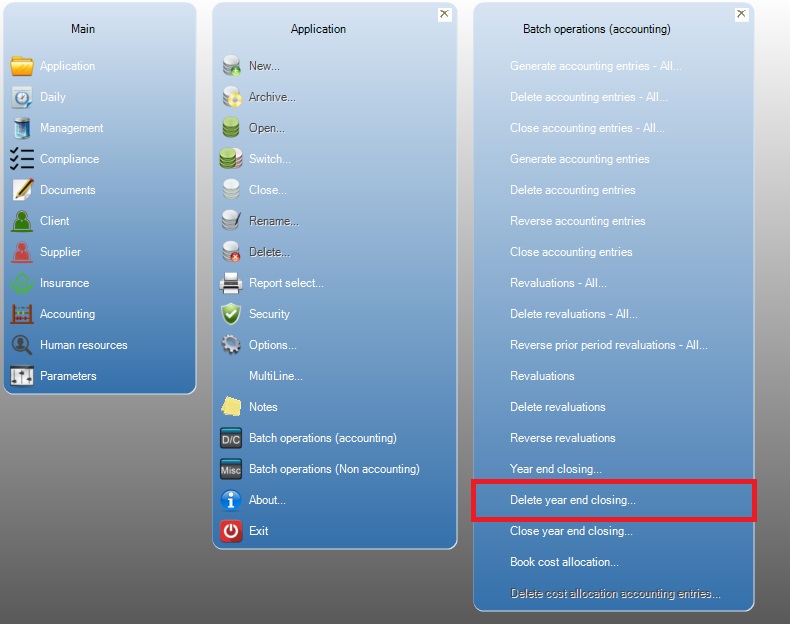
In this state you can go back to the “Accesible” state by the menu Application / Batch operations (accounting) / Delete year end closing
- Closed – Irreversible
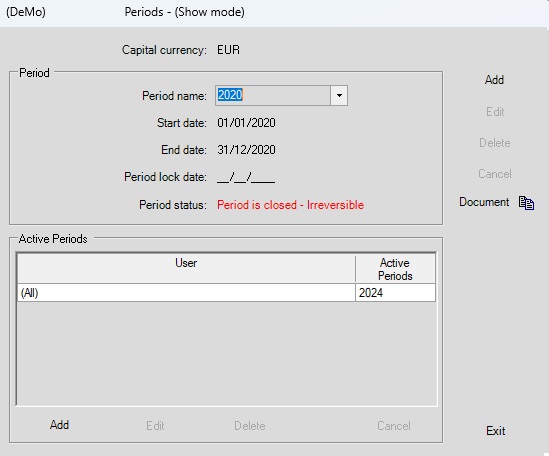
To get this state you have to go on the menu Application / Batch operations (accounting) / Close year end closing
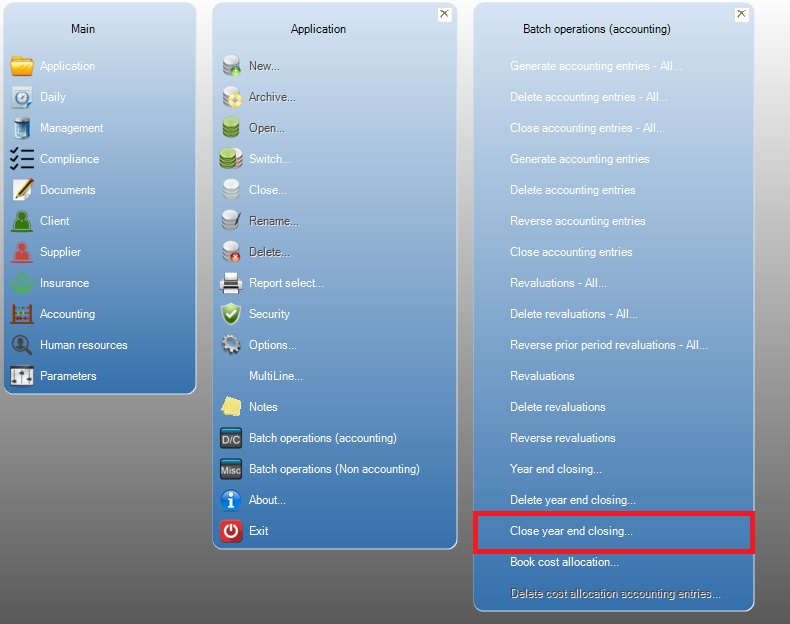
THIS PROCESS IS IRREVERSIBLE YOU CAN NOT CHANGE ANYTHING AFTER THIS