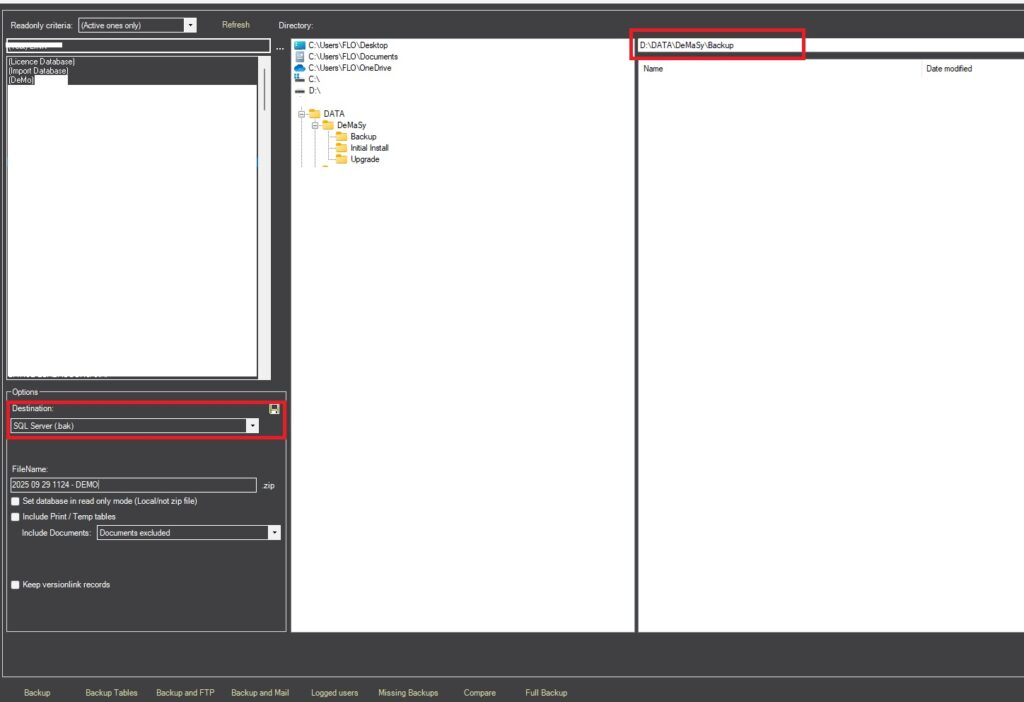
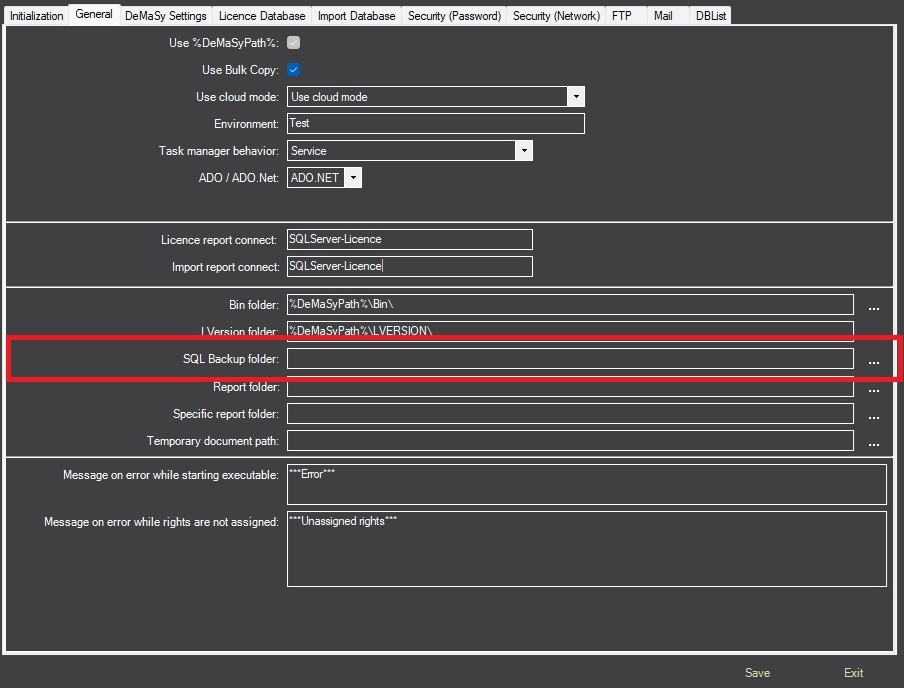
You need to specify a path to execute the backup (In the DeMaSy Utilities, on the INI Editor screen). If you don’t specify a path, the default is the DeMaSy files path in the BACKUP folder.
Be careful: your path must use a UNC path if the folder is located on a server.
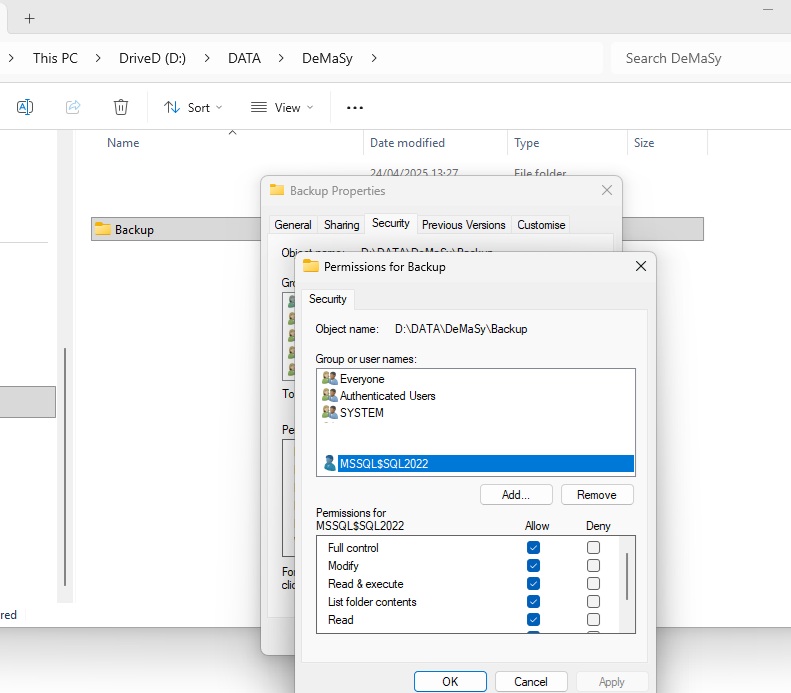
For the specified folder, you must grant Full Control to the user “Everyone” if the SQL Server is located on a different server than your backup folder.
If your backup folder is on the same server as the SQL Server, you can grant Full Control to the SQL Server user instead of “Everyone”.
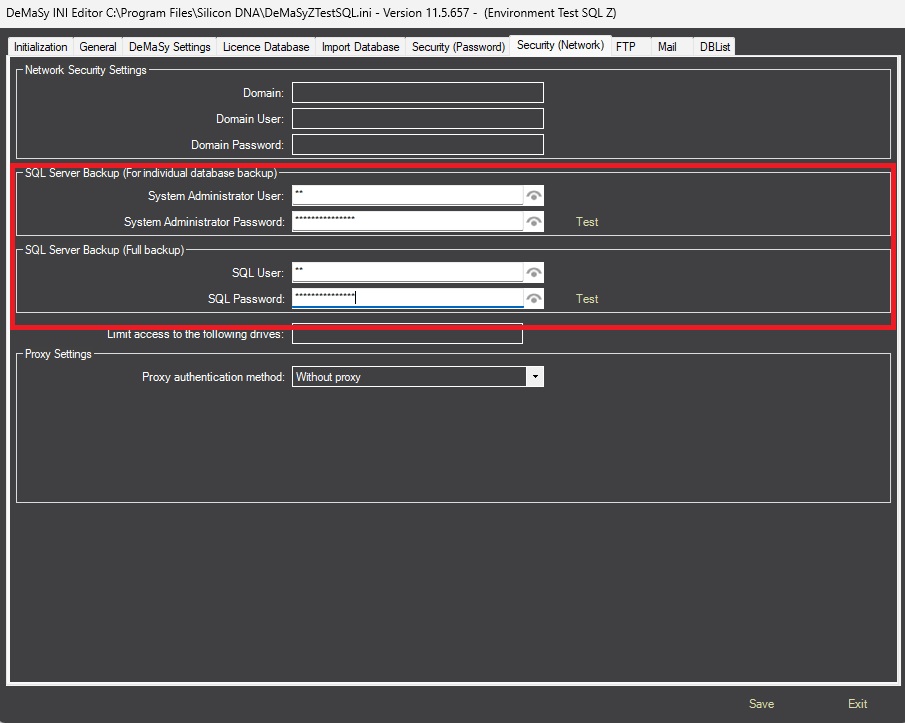
You need to specify the SQL Server user and password in the DeMaSy Utilities, on the INI Editor screen.
We normally use the “sa” user, but you can use any user with sufficient rights to create and modify databases in SQL Server.
You can now perform your backup using the correct options and path.